
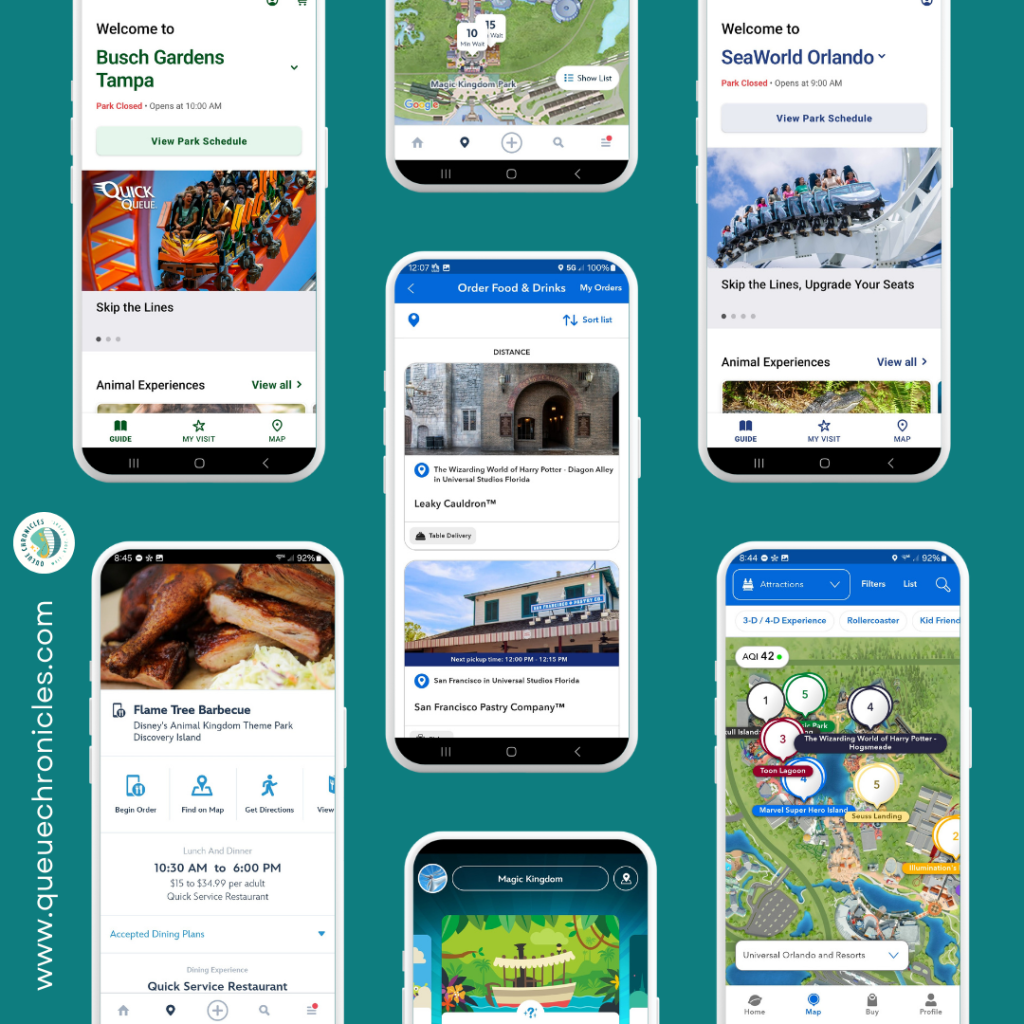
Remember the good old days when you could just hop in line for a ride or grab a quick bite without a strategy? Those days are long gone. Now, it feels like you need to scour TikTok and YouTube for the latest tips to experience an attraction without paying extra or waiting in line for dinner starting at lunchtime. But we’ve adjusted and gotten with the times. In most cases, mobile ordering and virtual queues can be game-changers—once you know what you’re doing.
Never fear! We’re sharing our experiences, lessons learned, and practical tips for navigating virtual queues and mobile ordering at theme parks like Disney and Universal.
Virtual Queues: A Mixed Bag


The jury’s still out on virtual queues for rides. Part of me argues we should be allowed to wait an exorbitant amount of time if we choose, without paying extra or being denied the chance to wait at all. But our recent experience with Harry Potter and the Battle at the Ministry at Epic Universe has us rethinking things. Virtual queues can save time and disappointment—when they work.
Our first virtual queue experiences were with Tron and Guardians of the Galaxy as new Disney passholders. We headed to the parks excited to ride these brand-new attractions, only to discover they required a virtual queue.
After watching a few how-to videos, we tried to join at the designated time. For Guardians, we weren’t even close—the queue filled up in seconds. We were at EPCOT specifically for that ride, so we caved and bought a Lightning Lane pass. Don’t get me wrong—I love Guardians. It’s my favorite ride in all of Disney. But paying extra on top of park admission because I wasn’t fast enough on the app? It felt slimy, like FOMO got the best of me.
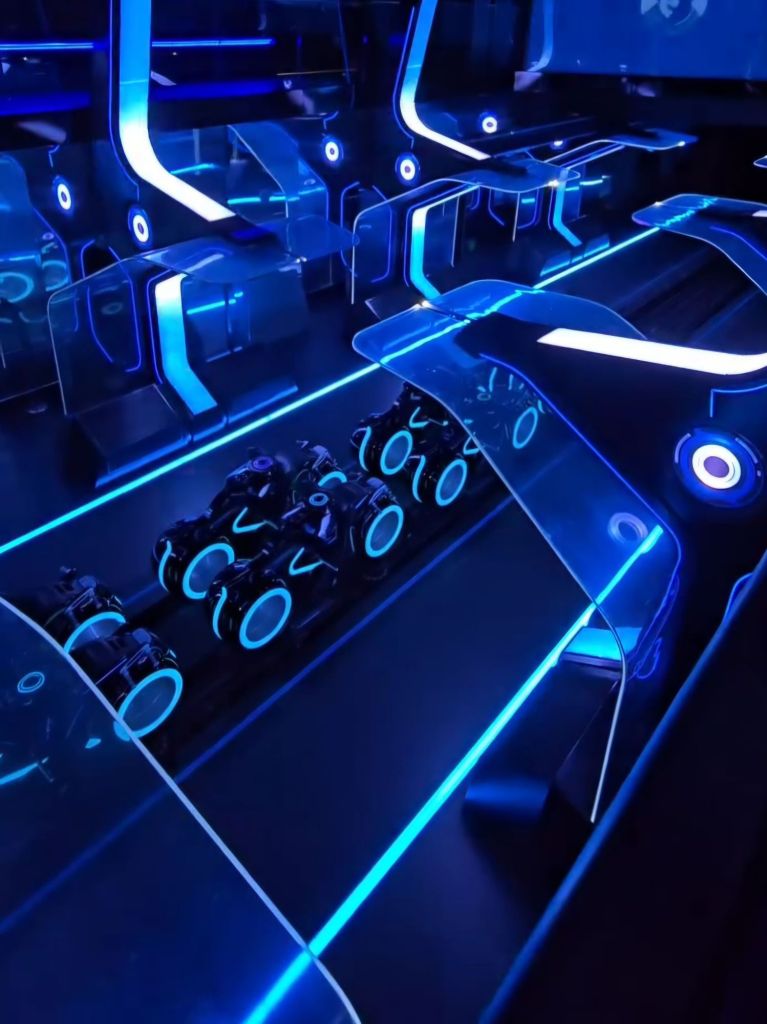
We did manage to join the virtual queue for Tron: Lightcycle Run. When our “call back” time arrived, we headed to the ride, only to learn that getting into the virtual queue just means you earn the right to wait in a physical line. We waited another hour and a half. Combine that with Tron being short and underwhelming, and our misunderstanding of virtual queues made the experience stressful. Lesson learned: knowing how virtual queues work is key to managing expectations.
Then came Harry Potter and the Battle at the Ministry at Epic Universe. When it finally opened (virtual queue only), we tried every window but couldn’t get in. Disappointing, sure. But when they switched it to a standby line, it ballooned to five hours. A lot can happen in five hours—ride breakdowns, hunger, boredom, multiple bathroom breaks. No way would I wait that long. A virtual queue lets you enjoy other attractions and return for a more reasonable wait (1-2 hours). Now, we get the science behind it.
Tips for Navigating Virtual Queues
- Research Ahead: Check if any rides require a virtual queue before your visit. Learn how the queue works in the park’s app or ask a cast/team member for help on the day of to maximize your chances.
- Understand the Process: Getting into the virtual queue means you’ll get a call-back time to join a regular line, which could still be 1-2 hours.
- Be Prepared to Miss Out: Sometimes, even with your finger on the button, you won’t get in. Don’t sweat it—move on and save that ride for next time. Virtual queues won’t last forever.
Mobile Ordering: A Game-Changer
Mobile ordering? We’re obsessed. I was resistant at first—why can’t I just walk up and order a burger? Then I saw the line for a cheeseburger at Backlot Express in Hollywood Studios. It was so long I’d be eating dinner instead of lunch by the time I got food. Meanwhile, mobile order folks strolled to a nearly empty pickup window. I decided to give it a try. We found a table, browsed the menu, and set up our payment method (a bit tedious the first time, but a breeze now that it’s saved). Five minutes later, we got a notification to pick up our food. As I walked past the line of people waiting to order, I knew this was the way to go.
For table-service restaurants, we still make reservations. But for snacks or quick meals, mobile ordering is our go-to.
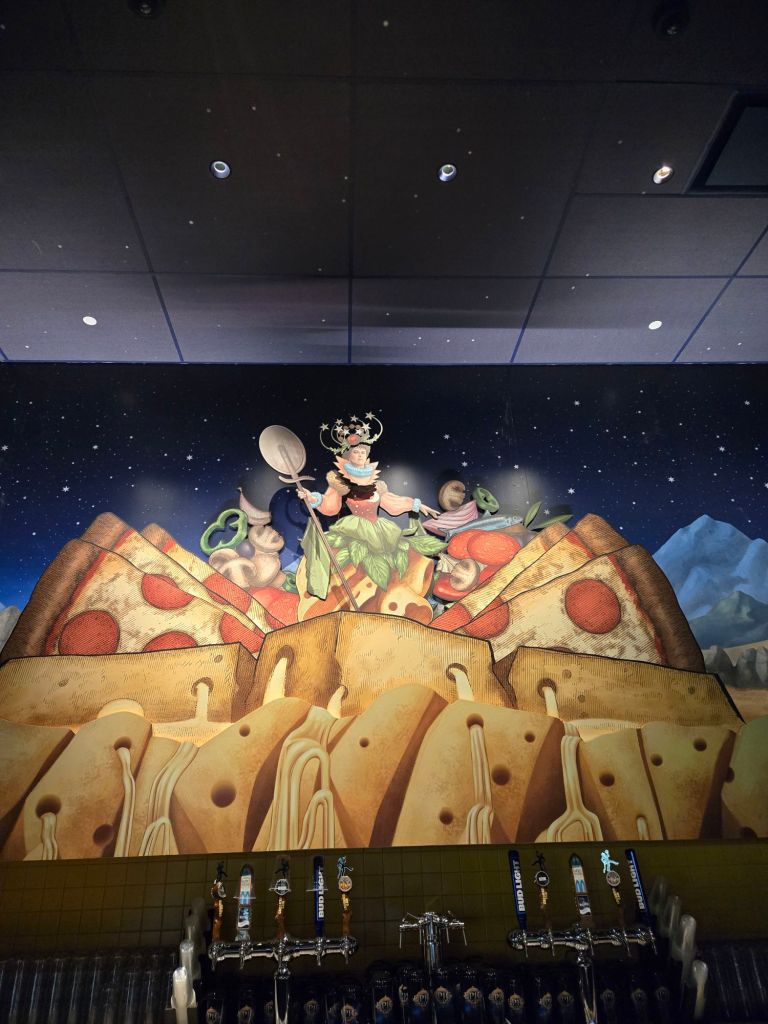
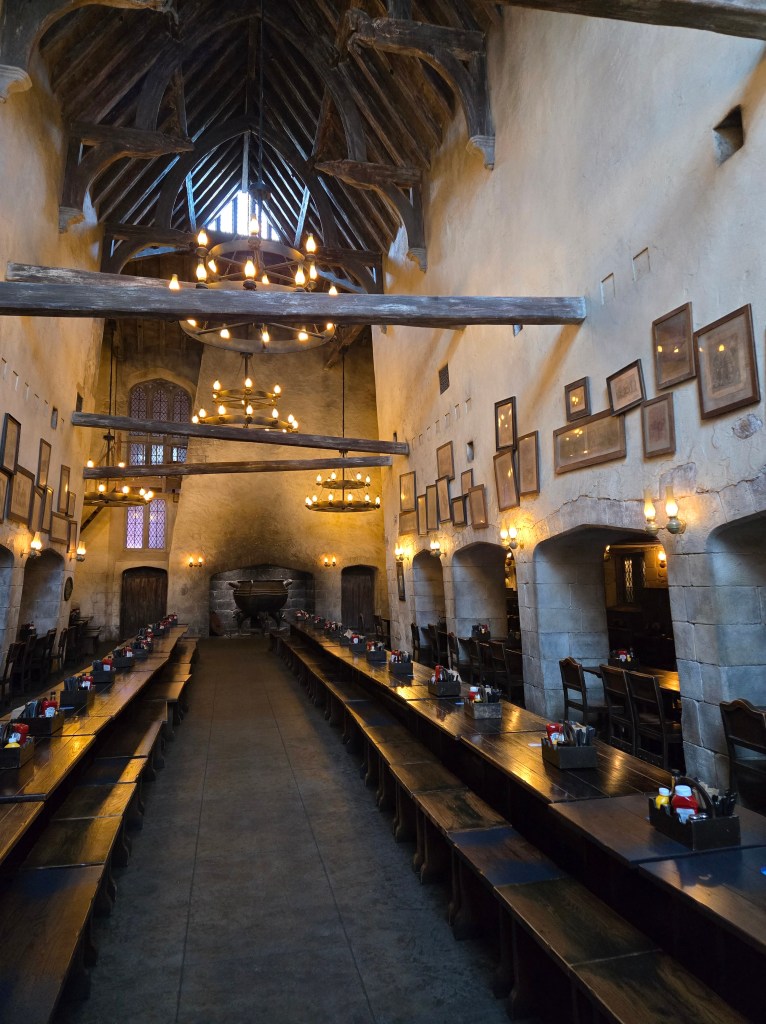
Universal’s new approach is even better: at some mobile order restaurants, you’re seated, order via the app, and a server brings your food and drinks. We’ve had great experiences at Leaky Cauldron in Diagon Alley at Universal Studios, Mead Hall in the Isle of Berk, Das Stakehaus in Dark Universe, and (our new favorite) Pizza Moon at Celestial Park in Epic Universe! Fabulous.


Tips for Mobile Ordering
- Download the Apps Early: Get the Disney and Universal apps before your trip. Explore their features—wait times, reservations, and more—to plan your day.
- Set Up Payment Methods: Save your payment info in advance to avoid wasting time in the parks.
- Check Menus: See which locations offer mobile ordering and browse menus. Most apps let you filter for dietary restrictions, allergies, or customize orders (to an extent).
Our Mobile Ordering Strategy
While waiting in line for a ride, we browse nearby dining options, pick what we want, and prepare our order. After the ride, we select a pickup window and place the order. When we arrive at the venue, we tap “I’m here, prepare my order,” find a table, and get settled. By then, our food is usually ready. It’s a huge time-saver.
Final Thoughts
Mobile ordering and virtual queues take some getting used to, but they’re worth mastering. I wish I’d embraced mobile ordering sooner and researched virtual queues more thoroughly—it would’ve saved us stress and disappointment. The key is planning ahead to maximize your park time.
What’s your experience with virtual queues or mobile ordering? Any tips or tricks you wish you’d known before visiting the parks? Drop them in the comments! We would love to hear your thoughts.


 Queue Chronicles
Leave a comment